API-first architecture – integrates everything
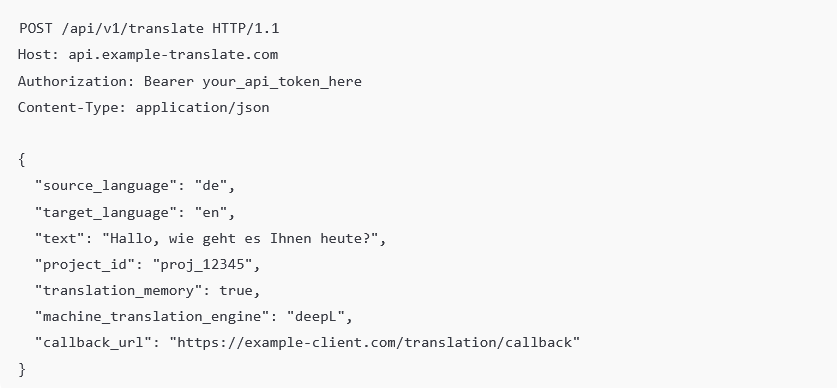
The translate5 interface uses our own API. This means that each function can be addressed via a REST API.
Thanks to this approach, individual processes can be automated and customized tools and scripts can be integrated – from task creation and segment processing to review control.
Modularity as you need it
translate5 has a deliberately modular structure:
- The Editor, InstantTranslate and the TermPortal can be used independently of each other.
- Flexible plug-in system for expansion: External services such as additional MT engines, terminology checks or file format conversions can be integrated directly into your workflow.
- Our microservice architecture in the background guarantees that new services can be added easily – without having to rebuild the core system.
- Thanks to our flexible open-source model, you can also extend translate5 with plug-ins yourself – or have us extend it for you. Plug-ins are licensed under the GPLv3 licence (while the core application is licensed under the AGPLv3). This means that the source code of plug-ins – if used via a browser – does not have to be disclosed to users. In contrast to changes to the core application.
t5Connect – connects anything
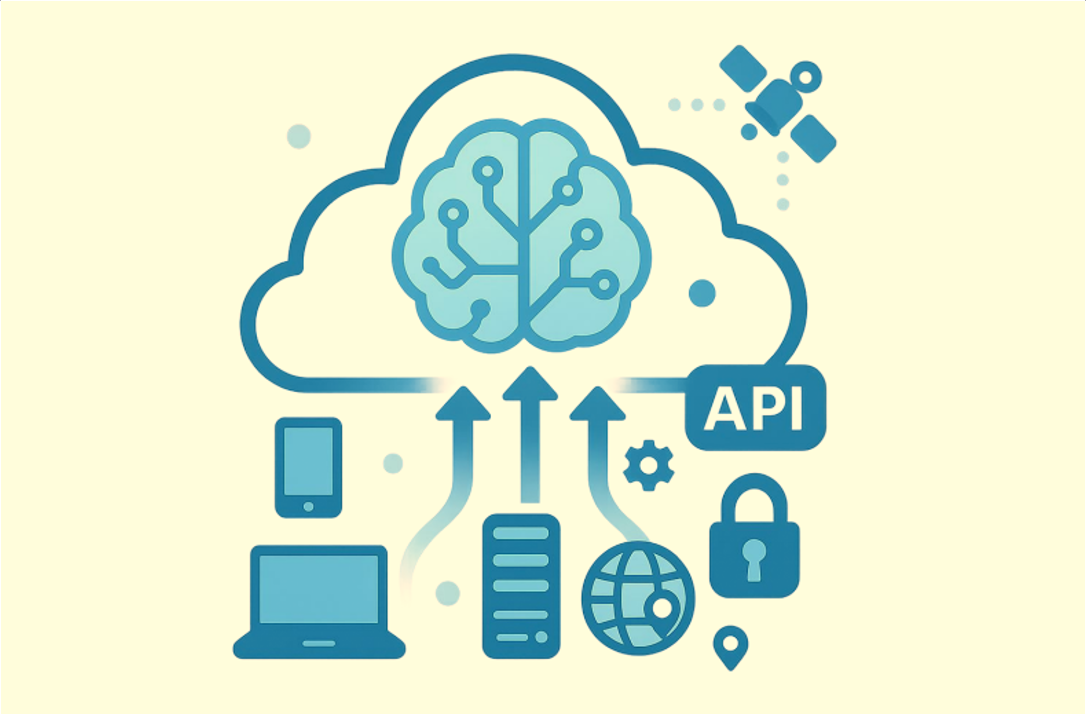
Thanks to the API-first approach, almost anything can be connected to translate5. A selection of already realized integrations includes:
- MT engines (e.g. DeepL, Google, Microsoft) via plug-ins in the system
- LLM from e.g. OpenAI, Llama, DeepSeek, Gemini, Mistral, Claude, etc.
- Import and processing of various CAT formats: SDLXLIFF, MQXLFF, Transit language pairs, Across XLIFF
- Plug-ins or integrations for TM systems and platforms such as Plunet as well as GroupShare and WorldServer from RWS
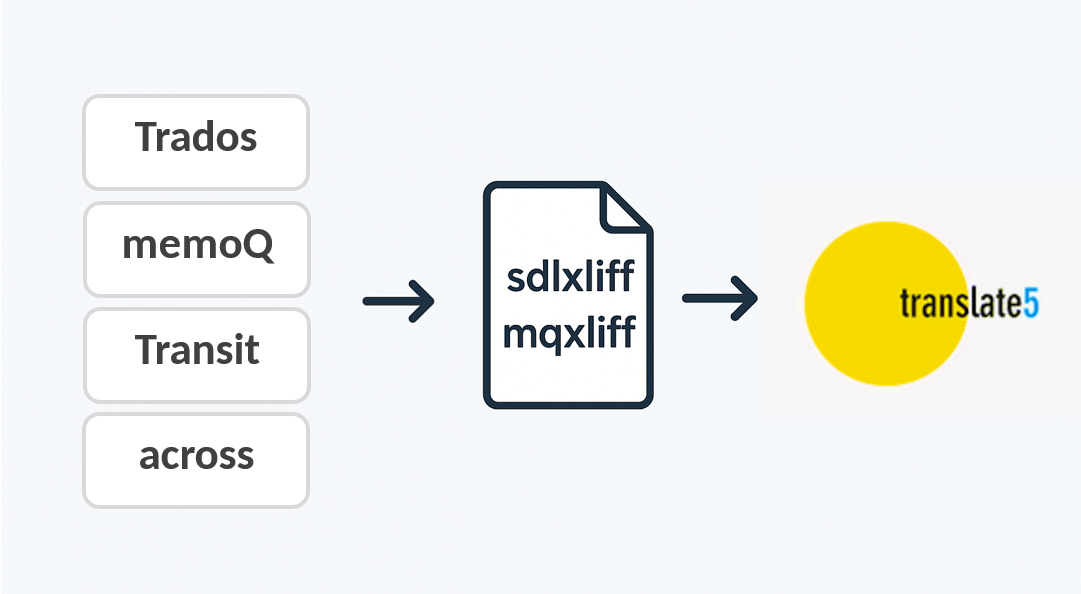
transalte5 Visual with any CAT tool
You can use translate5’s editor or translate5 Visual for almost any CAT format: Import SDLXLIFF, MQXLFF, Across-XLIFF or Transit language pairs, for example, and include your PDF layout reference – and your team will be able to see the final layout during translation.
Your advantages at a glance
- Seamless integration into your existing IT landscape: Whether CMS, PIM, TM/MT system, TMS such as WorldServer or Plunet or individual tools – translate5 can be flexibly integrated.
- No monolithic solution necessary: You select the modules you need – and only integrate what you want to use.
- Process automation: Your workflows increase in efficiency, reduce media disruptions and enable better control.
- Long-term scalability: Thanks to our API-first approach and microservice architecture, extensions and customizations will also be possible in the future without any problems.
- Market and tool independence: You remain independent of proprietary systems and define your processes according to your requirements.
Blackbird & translate5: seamlessly connected workflows between media automation and translation
translate5 can be seamlessly integrated into the automation platform blackbird.io via its own Blackbird app. This means that translation projects, tasks, review processes and other localization workflows can be orchestrated and controlled automatically across systems. Processes can be flexibly linked to each other and adapted to individual requirements via the workflow functions of blackbird.io as well as the REST API.
Linguistic editing takes place in translate5 with translate5 Visual and its real-time preview, meaning that content can be checked and quality-assured already during input in its original context. This results in automated end-to-end translation and content workflows that reduce manual effort, avoid media discontinuities and enable efficient control, even of complex localization processes.
Sirius CMS & translate5: Streamlined integration of structured XML content with translate5
Sirius CMS, the highly flexible XML-based editorial and content management system from Acolada GmbH, manages structured content such as XML data, product information, images, and Office files centrally, versions them and publishes them for various channels. It enables media-independent creation and reuse of content – for example for technical documentation, catalogues, or publishing products – and can be smoothly integrated into existing system landscapes.
translate5 integrates Sirius CMS seamlessly into automated translation workflows, so that XML-based content can be imported directly from the system, linguistically edited in translate5 and then sent back in a structure-preserving manner. Thanks to translate5 Visual with real-time preview, content can be translated in context and in a layout-friendly manner, with changes visible in the original layout already during input. This results in a continuous, secure end-to-end process without media disruptions, which significantly increases efficiency, consistency and scalability, especially for complex, structured content setups.
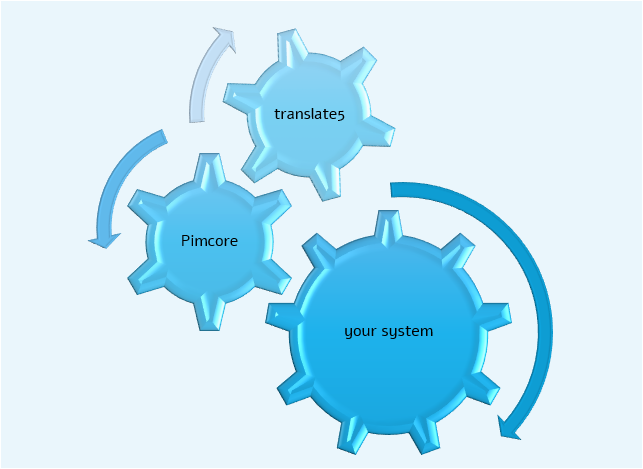
Pimcore & translate5: continuous translation processes for product and content data
Pimcore is a modular open core platform for data and experience management and combines PIM, MDM, DAM, CMS/DXP and commerce in a single system. This creates a central “single source of truth” for product data and digital content. With the help of an API-first architecture, data, content and assets can be modelled flexibly, provided automatically and integrated smoothly into existing system landscapes. This makes Pimcore particularly suitable for complex, scalable omnichannel setups where data consistency, speed and individual extensibility are crucial.
translate5 integrates Pimcore into localization processes via API-based connections, so that structured data, product information and content components can be transferred directly from Pimcore to translate5, where they can be processed linguistically and then transferred back again with complete data structure. translate5 Visual displays the content in the original layout during the translation process and updates itself in real time with every input. This allows for linguistic adjustments to be reviewed and validated directly in context. This creates end-to-end, automated content and translation workflows that avoid media discontinuity and ensure consistent data management across systems.
Exchange of localization data via Common Translation Interface (COTI) Level 2
translate5 supports the COTI Level 2 standard for cross-system exchange of translation jobs between editorial, content, and documentation systems. Incoming COTI packages are processed automatically, with content, structures, and metadata fully adopted and prepared for the translation process. Even complex XML-based content can be edited securely and with retention of its structure and returned to the source system in compliance with COTI after completion of the translation. This results in standardized, platform-independent integrations that simplify data exchange and avoid media discontinuities.
You can transfer localization content to translate5 directly via COTI Level 2 from the following systems:
- docuglobe by gds
- Noxum Publishing Studio by Noxum GmbH
- NovaDB by Noxum GmbH
- SCHEMA ST4 by Quanos Solutions GmbH
- COSIMA by DOCUFY
- Smart Media Creator by EC Systems GmbH
Linguistic editing is done in the translate5 editor, optionally (depending on the possibilities of the authoring system) also with translate5 Visual, the visual translation environment of translate5 with real-time preview. This way, content can be checked and quality-assured as it will appear in its final use context, already during input. In combination with translation memories, terminology management, machine translation and multi-stage review workflows, translate5 enables efficient and scalable localization processes based on the COTI Level 2 standard.