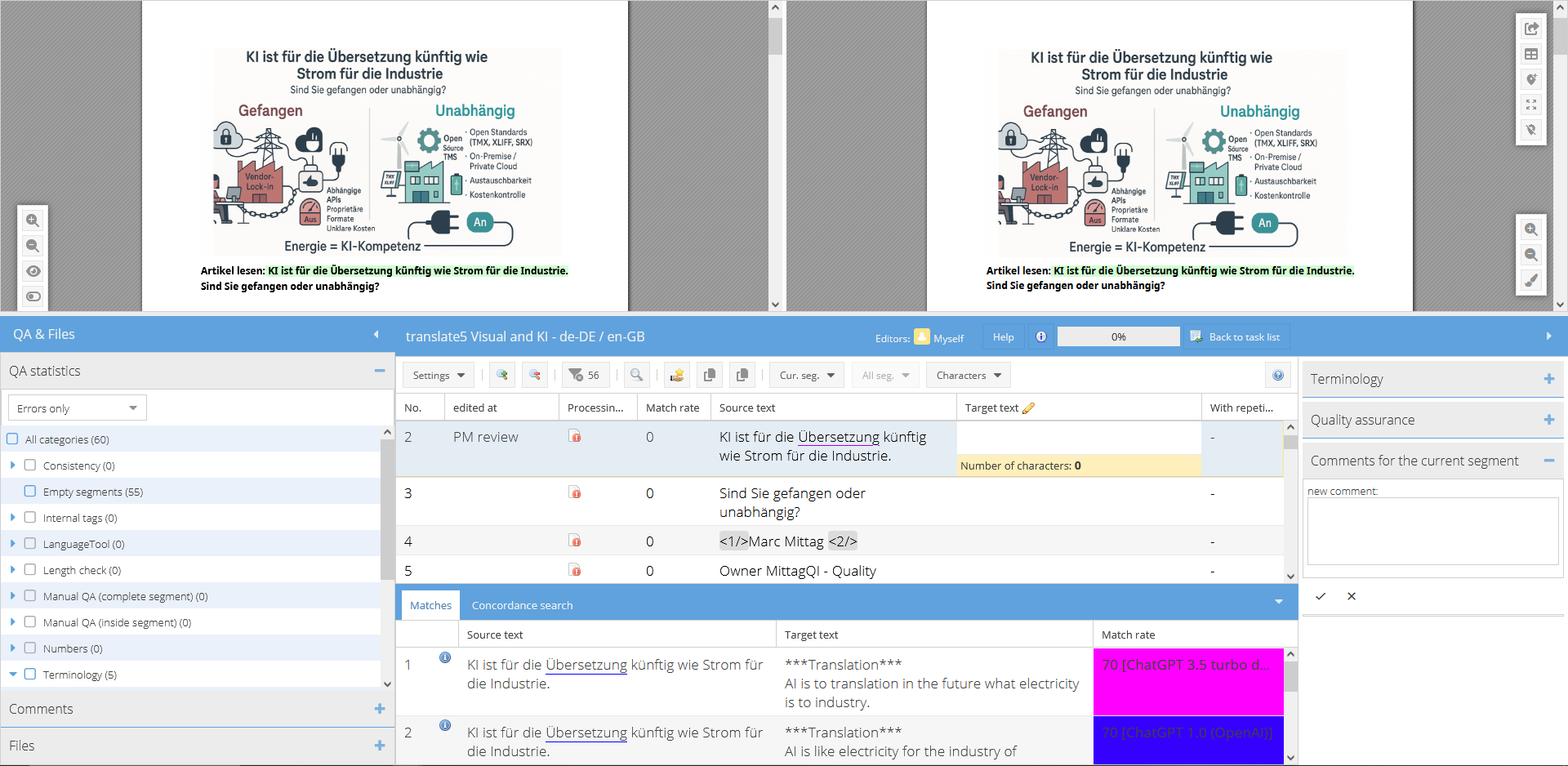
Visual plug-in in the editor – What you see is what you get!
Thanks to the Visual plug-in, you receive a live preview for all common file formats, which is updated in real time during translation and review. Increase efficiency and speed of your post-editing, cut down on layout-related queries, and handle print approval tasks reliably and professionally with our advanced print approval workflow.
Real-time preview of source and target document
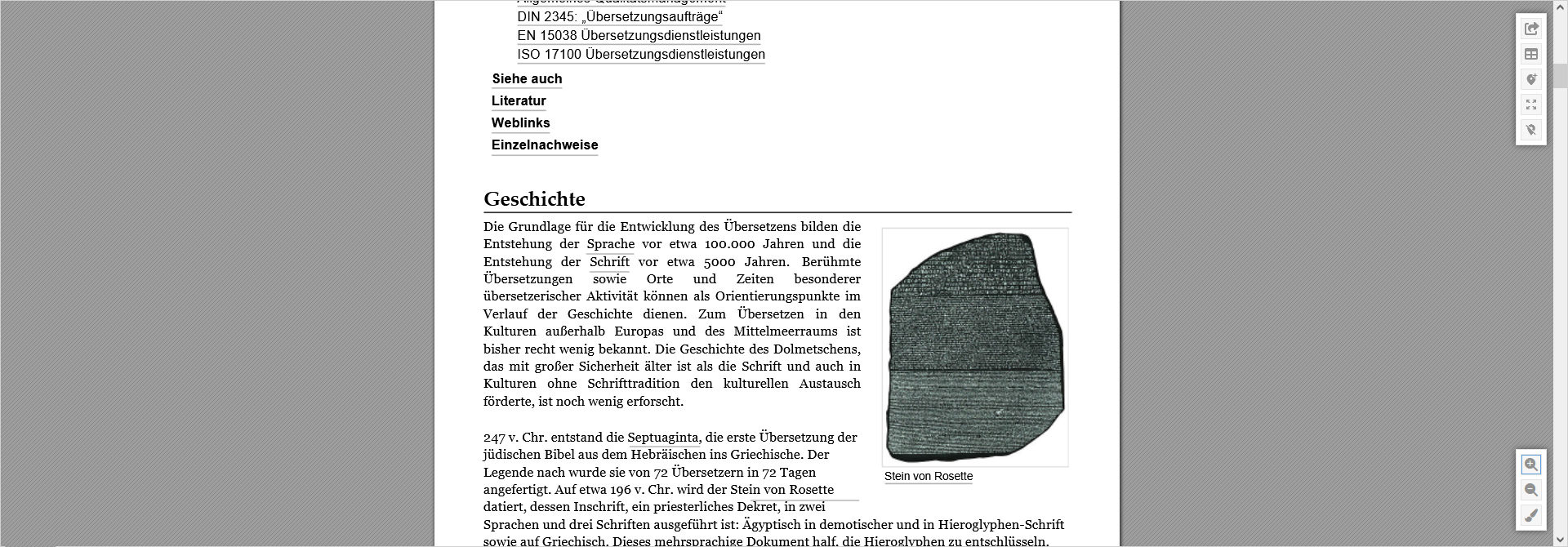
View, check and approve: with translate5 Visual, translators, reviewers, and print managers work directly in the original layout. PDF and MS Office files, as well as all other formats that can be printed to PDF, HTML, websites via URL integration, images or video subtitles can be translated, reviewed and approved efficiently in a consistent workflow.
Reduce context-related questions as the Visual view is integrated directly in the editor, and always keep an eye on what your target document will look like after editing.
Layout-perfect translations – seamless in your workflow
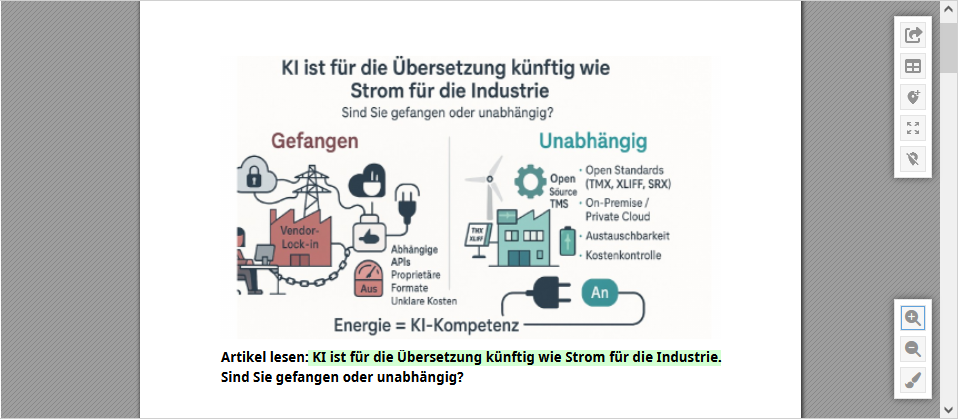
Your team can see the translations directly in the layout of the original file. This reduces context and design errors, saves time during print approval and enables precise adjustments to text lengths, text positioning and design elements:
WYSIWYG visualization for laid out content;
display of source, pivot, and target files;
zoom, page navigation as well as simplified view and page selection.
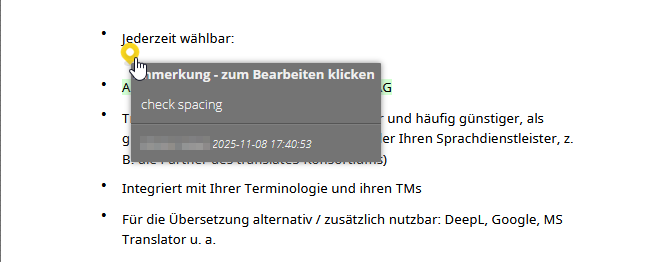
Visual review – annotations directly in the layout
Reviewers can place annotations, corrections, or comments directly on the page – exactly where the text in question appears. This eliminates misunderstandings between translation, design and print approval:
annotate text and graphic elements;
manage visibility and status of annotations with ease;
benefit from a clear workflow for translators and reviewers.
All your translatable files, centralized for easy management
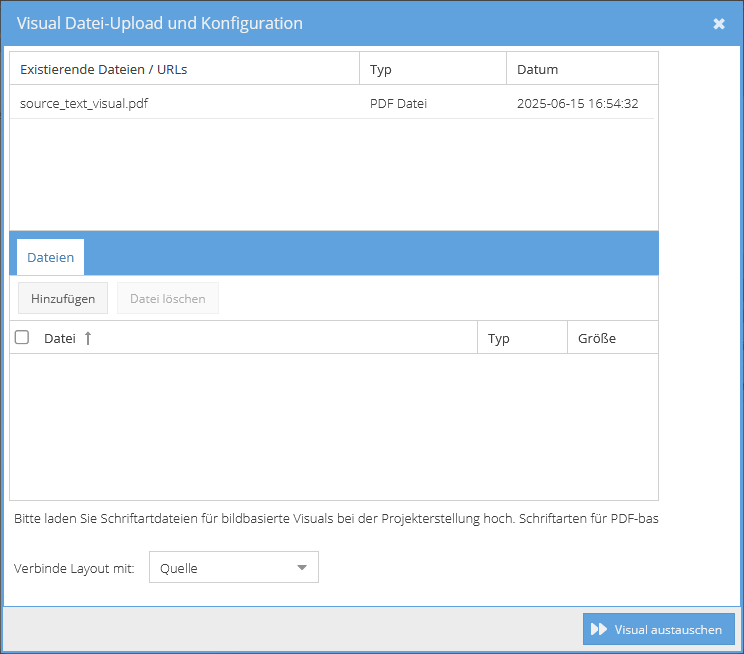
Add PDFs, screenshots, or other layout files directly into your translation projects or exchange them on the go. Mass file uploads via ZIP archives are also supported. Incorrect formats are automatically recognized so that the workflow always remains clean.
simple adding, exchanging and removing of files;
status displays for upload, translation, and review;
integration into the existing translate5 project structure.
Print approval workflow – approval of printable PDFs directly in one system
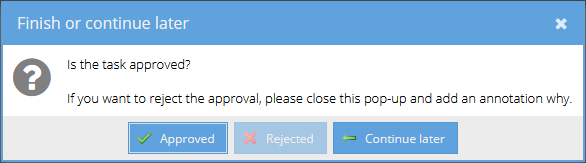
The integrated print approval workflow ensures that your team can review, approve and release the final layout status for printing – transparently and traceable:
automatic notifications on upload or release;
overview of the status of all files in the approval process;
seamless combination of translation, layout check and print approval.
Expert review in the target market – directly within your layout. Simple, precise, efficient
Specialist departments and experts around the world can review your translations directly in the original layout – without separate tools or complex approval processes. translate5 Visual displays texts exactly where they will appear later: in the PDF, on the website or in the product layout.
Context-based feedback: Reviewers can immediately see how their language works in the final design – no more misunderstandings due to a lack of context.
Easy to use for non-translators: No need to familiarize yourself with CAT tools – comments can be placed directly in the layout.
Centralized review process: All comments and changes are automatically fed back into the language resources and are transparently available to translators and project managers.
Efficient communication: Content changes, stylistic adjustments or market-specific corrections are documented in a clear, comprehensible and version-safe manner.
Integration in CMS & PIM systems – seamless connection to your system landscape
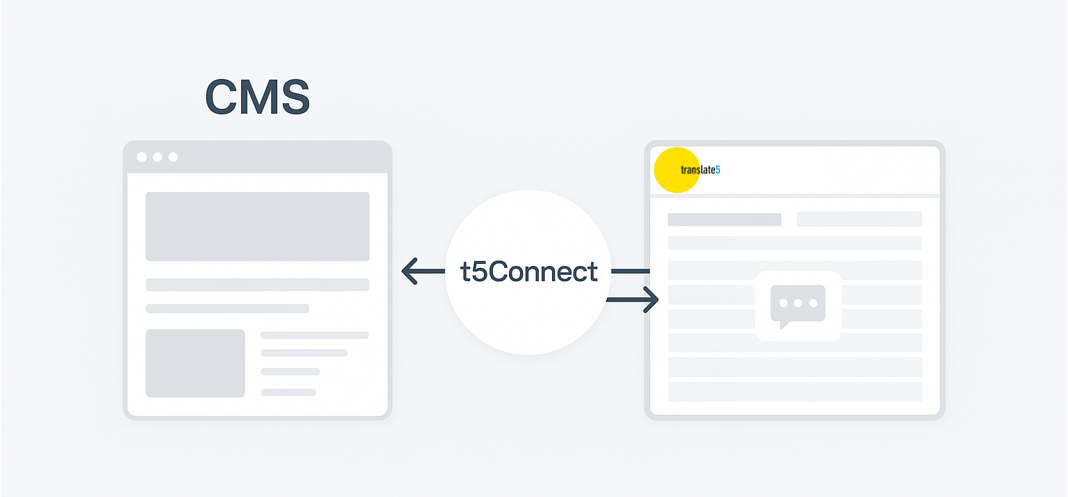
The translate5 Visual can be easily integrated into existing CMS and PIM environments – so your workflow remains consistent, without any media or platform disruptions. Synchronize tasks, content, and status messages automatically between your systems and translate5 via various interface options:
Automatic data transfer – content from your CMS/PIM is transferred directly to the translation and layout workflow via API.
Users and workflows managed centrally – users from your CMS/PIM are automatically created or assigned in translate5 as required.
Return of translated content with layout fidelity – after completion, the reviewed texts including layout representation are returned to your system.
Thanks to deep integration, you can ensure that translation, layout review and publication take place in a continuous system chain – without isolated solutions or manual transfers.
translate5 Visual – flexible usage with any CAT tool
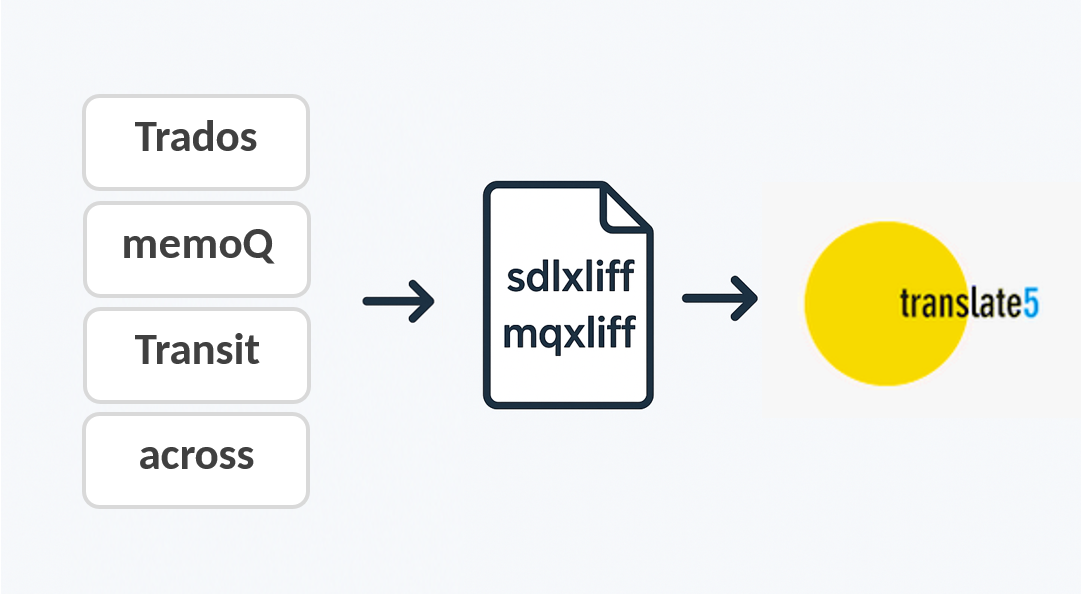
translate5 Visual is not limited to a specific CAT tool, but can be seamlessly integrated into existing translation or review processes. Regardless of whether you work with Trados, memoQ, Across or Transit – simply upload the relevant XLIFF files or the language pair together with a layouted PDF file. translate5 Visual automatically generates a clear, interactive review view.
Then you can check the translations directly in context, enter comments and make corrections – without having to open the actual CAT tool. This saves time, simplifies coordination with specialist departments and ensures significantly more transparency in the review process.